As technology rapidly evolves, many of us are left with a collection of older devices that still hold value but lack compatibility with newer systems. One common challenge is connecting modern HDMI devices to older composite inputs. Whether you’re looking to hook up a vintage gaming console to a new TV or connect a legacy camera to a modern video recorder, an HDMI to composite converter can bridge that gap. This article will guide you through the essential factors you should consider when choosing the right HDMI to composite converter for your needs.
Understanding HDMI and Composite Signals

Before diving into the selection process, it’s crucial to understand what HDMI and composite video signals are.
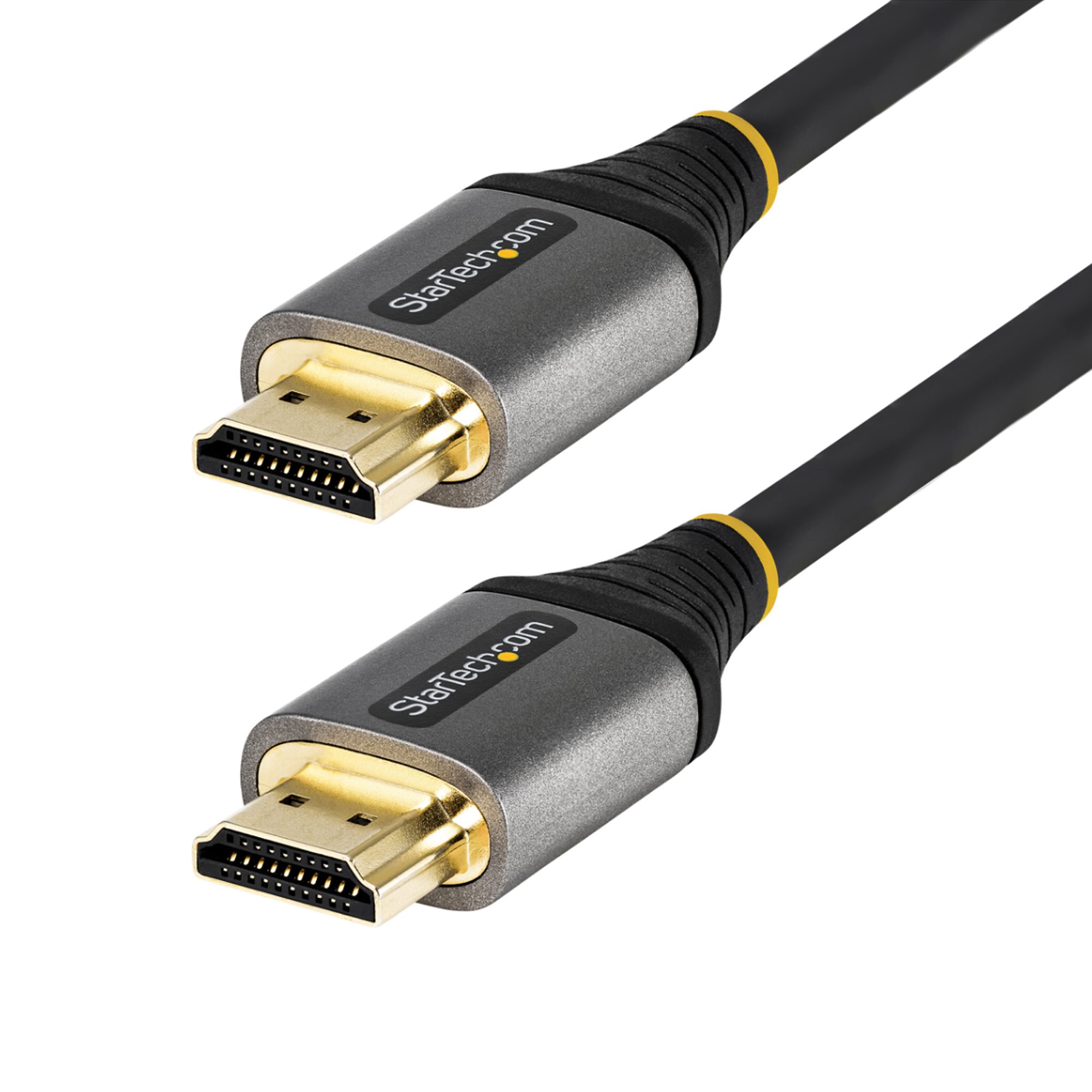
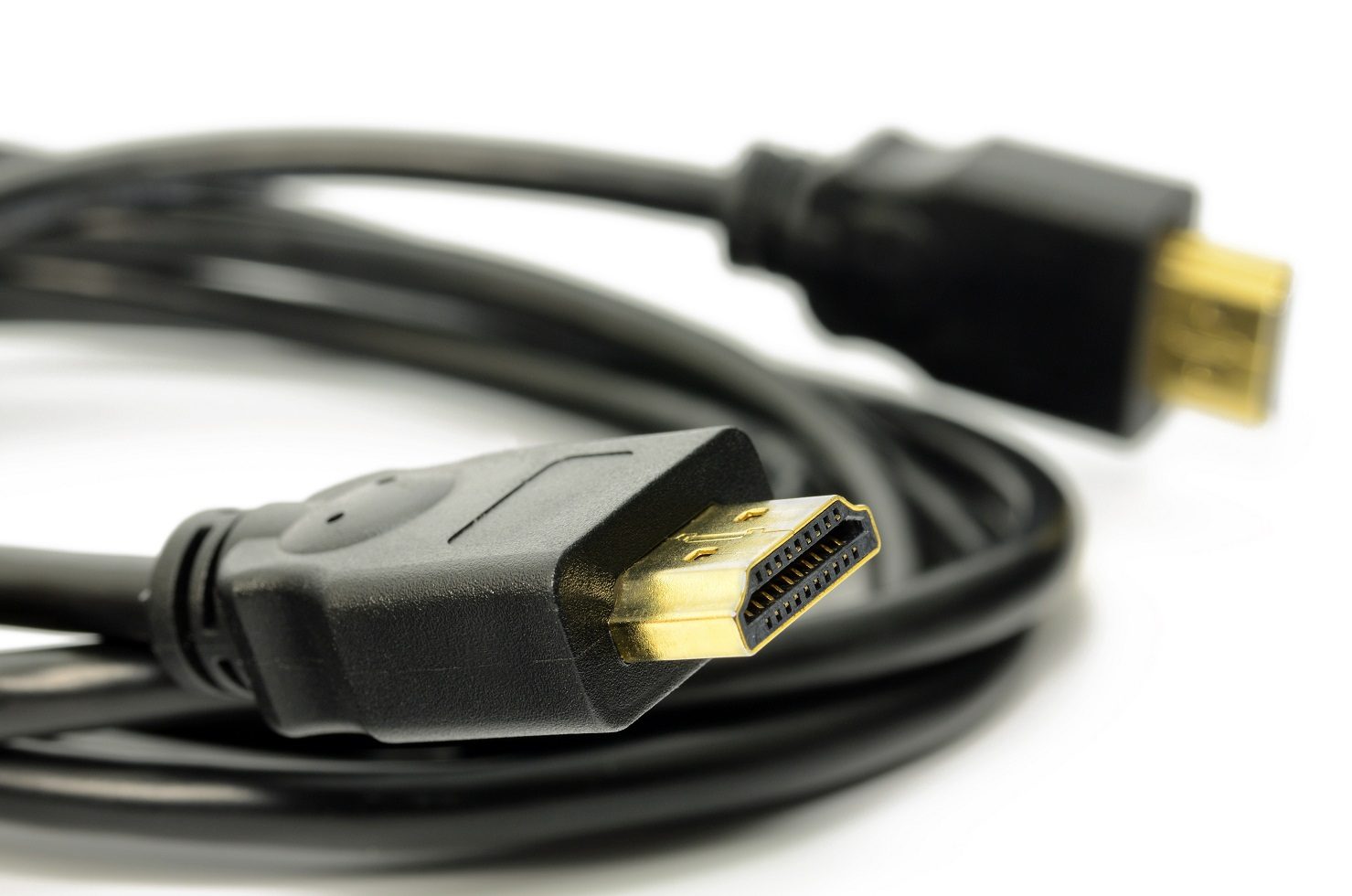
- HDMI (High-Definition Multimedia Interface): This digital interface transmits high-quality audio and video signals over a single cable, supporting resolutions up to 4K and beyond. HDMI is the standard for modern devices such as televisions, gaming consoles, and Blu-ray players.
- Composite Video: This is an older analog video signal that combines video information into a single channel, typically transmitted via a yellow RCA connector. It offers lower quality than HDMI and is often used in older TVs, VCRs, and gaming consoles.
Understanding the differences between these formats will help you appreciate why a converter is necessary and what to look for in one.
Key Features to Look for in an HDMI to Composite Converter
When selecting an HDMI to composite converter, there are several features and specifications to consider:
1. Compatibility
Not all converters are created equal. Ensure that the converter you choose is compatible with your devices. This includes checking:
- Supported resolutions: Look for a converter that supports the resolution of your HDMI output device.
- Input and output formats: Make sure the converter can handle the format of your HDMI device and output it correctly to composite.
2. Video Quality
Since composite video is inherently lower quality than HDMI, the converter’s ability to maintain the best possible video quality is paramount. Look for converters that:
- Support upscaling features to enhance video quality.
- Provide a stable frame rate, preventing lag and interruptions.
3. Audio Support
Many HDMI to composite converters also include audio support. Consider the following:
- Does the converter include audio output alongside video?
- Is the audio transmitted in stereo or mono?
4. Power Source
Some converters are powered via USB, while others may need an external power adapter. Consider the following:
- Is there an available USB port on your device or TV?
- Are you willing to use an external power supply?
5. Build Quality and Design
Durability and design can affect the longevity and functionality of the converter. Look for:
- High-quality materials to withstand regular use.
- Compact design for easy storage and transport.
Popular HDMI to Composite Converters on the Market
To better understand what to expect, here are a few popular options available:
1. UGREEN HDMI to Composite Video Converter
This converter is known for its reliable performance and ease of use. It supports resolutions up to 1080p and includes both video and audio output. Its compact design makes it a favorite for users looking to connect devices without clutter.
2. GANA HDMI to Composite Converter
The GANA model is another popular choice, offering great video quality and support for various devices. It’s powered through a USB connection, making it convenient for users with limited outlets.
3. eSynic HDMI to Composite Converter
This model is praised for its upscaling capabilities, allowing for improved video quality when converting from HDMI to composite. It also features a compact design, making it easy to integrate into your setup.
Case Studies: Real-World Applications

Understanding how others have successfully used HDMI to composite converters can provide valuable insights into their practical applications:
Case Study 1: Vintage Gaming Setup
A gamer named John wanted to connect his Super Nintendo Entertainment System (SNES) to a modern TV. He purchased the UGREEN HDMI to Composite Video Converter. John found that the converter not only allowed him to enjoy his classic games but also improved the visual quality compared to using older cables. This setup revived his love for retro gaming without sacrificing quality.
Case Study 2: Connecting Old Cameras to New Devices
Maria, a filmmaker, needed to transfer footage from her old camcorder to a new editing software. Using the GANA HDMI to Composite Converter, she successfully connected her camcorder to her laptop. The converter provided a stable output, allowing her to digitize her old videos for modern editing.
Statistics: The Shift from Analog to Digital
Understanding the trends in technology can help you appreciate the importance of HDMI to composite converters:
- According to a report by the Consumer Technology Association, 96% of U.S. households own at least one HDTV.
- The sales of HDMI-compatible devices have surged, with a reported increase of 40% in the last five years.
- Despite this shift, a recent survey indicated that over 30% of consumers still own at least one composite-only device.
These statistics highlight the ongoing need for solutions that bridge the gap between older and newer technologies.
Making the Right Choice
Choosing the right HDMI to composite converter involves careful consideration of various factors, including compatibility, video quality, audio support, power source, and build quality. By understanding your specific needs and how different products cater to those needs, you can make an informed decision that enhances your viewing experience.
As technology continues to evolve, having the right tools to connect your devices can significantly enhance your enjoyment of both modern and vintage technology. Whether you are reviving old gaming consoles or connecting legacy cameras, the right HDMI to composite converter will ensure you can enjoy all your devices seamlessly.